0ximg cli
Render code with taste
Share your code, beautifully.
Render from files, stdin, or clipboard, then save a PNG locally or copy a hosted preview link. Over 0 snippets rendered.
curl -fsSL https://0ximg.sh/install | bash
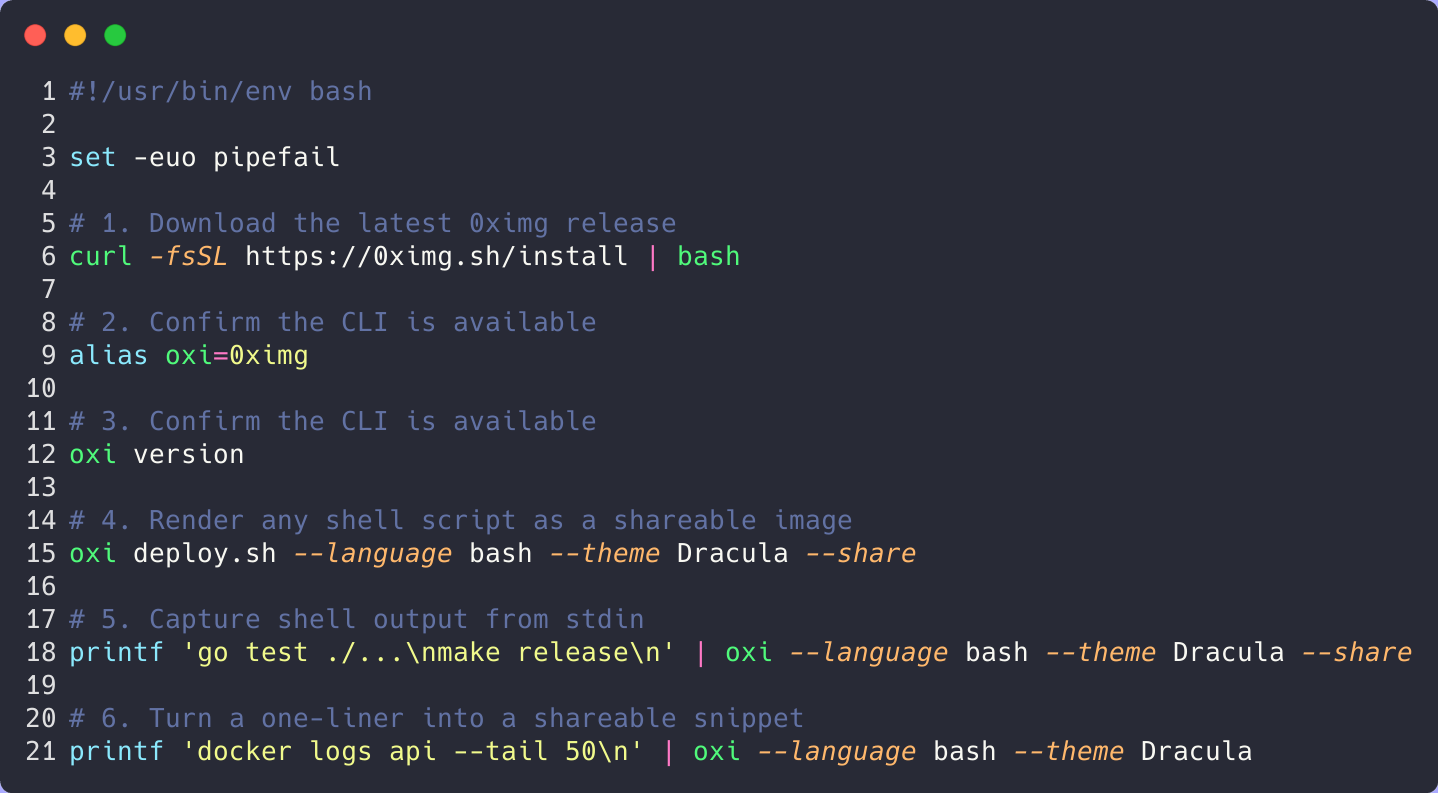
#!/usr/bin/env bash

set -euo pipefail

# 1. Download the latest 0ximg release
curl -fsSL https://0ximg.sh/install | bash

# 2. Confirm the CLI is available
alias oxi=0ximg

# 3. Confirm the CLI is available
oxi version

# 4. Render any shell script as a shareable image
oxi deploy.sh --language bash --theme Dracula --share

# 5. Capture shell output from stdin
printf 'go test ./...\nmake release\n' | oxi --language bash --theme Dracula --share

# 6. Turn a one-liner into a shareable snippet
printf 'docker logs api --tail 50\n' | oxi --language bash --theme Dracula
Install once, then use either `0ximg` or the shorter `oxi` alias to render shell workflows into polished images.
Your next snippet could look like this.
Install once, point `0ximg` at any file or shell snippet, and turn raw code into a polished image ready for docs, social posts, and release notes.
Input
$ cat deploy.sh | 0ximg --language bash --share
Output
A clean, branded preview page plus a crisp PNG link you can share instantly.
One render, two share paths.
Reach for the hosted preview when you want a polished landing surface. Use the direct PNG when you just need the image embedded immediately.
Best Fit
Preview page for sharing context. PNG for docs, changelogs, social posts, or product UI.
Preview Page
Canonical share URL with title, metadata, and clean embed route.
Direct Image
Drop the PNG into docs, changelogs, social posts, or product UI without extra wrapping.
Use 0ximg from your product, not just the CLI.
Send code to /v1/render, then use the returned PNG URL or hosted preview page inside your app, docs flow, or internal tooling.
curl -X POST https://0ximg.sh/v1/render \
  -H "Content-Type: application/json" \
  -d '{"code":"console.log(\"hello\")","language":"javascript"}'
Response includes a direct url for the PNG and a previewUrl for the share page.